Replace the label with a task
When a product promises AI, ask what you can actually do with it. Drafting text, editing a picture and answering a question are different tasks with different failure modes. Write down the task you care about in ordinary language. That gives you something concrete to investigate in the documentation.
Separate hardware from the service
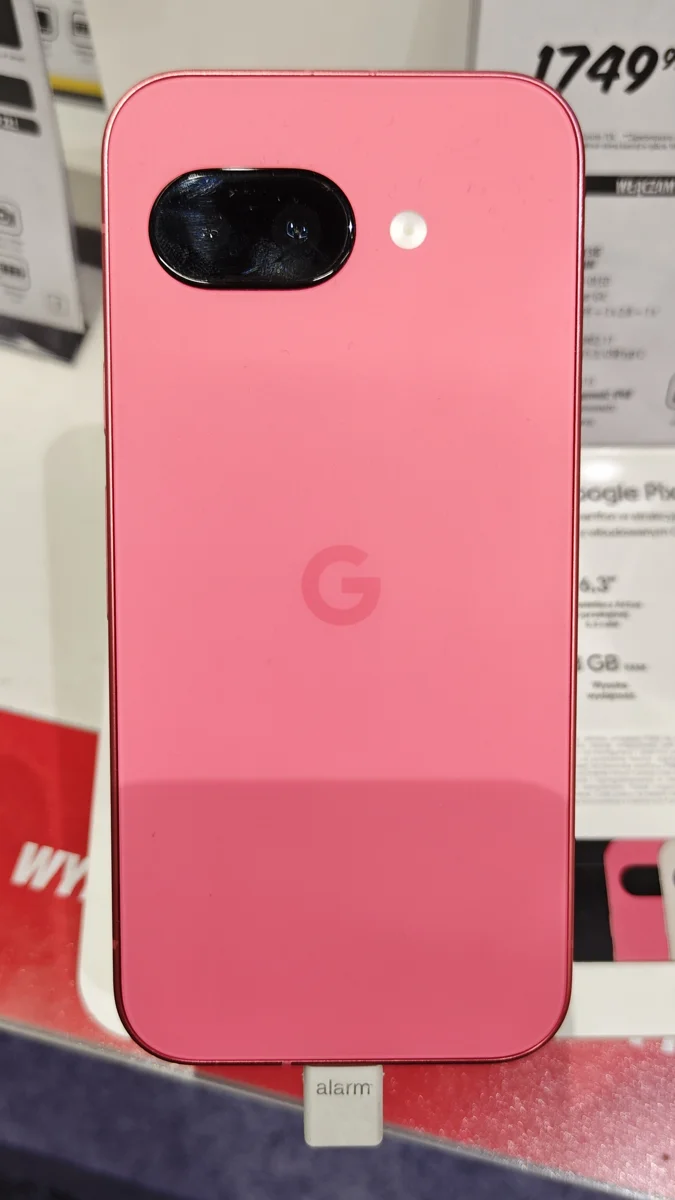
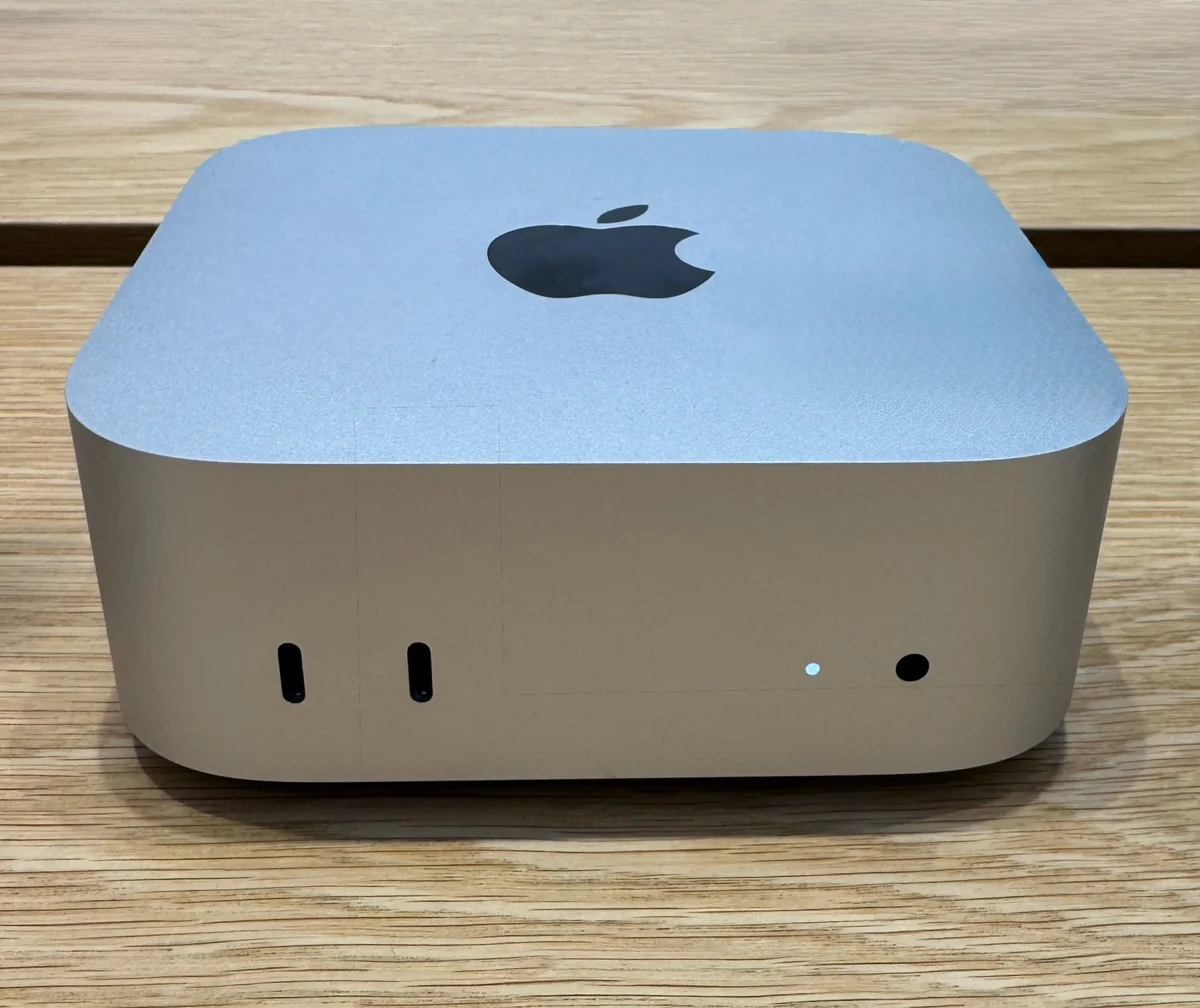
Google identifies Gemini as part of Pixel 9a’s experience. Apple describes Apple Intelligence support on the M4 Mac mini and A17 Pro iPad mini. These are software capabilities associated with the devices. A chip name by itself does not establish which feature is available, what account it requires or whether it will work in your language.
Look for the conditions
Check the exact software version, supported region, language and plan. Then look for an explanation of data handling and processing for that particular feature. If it is not clearly documented, keep it marked unknown. Do not turn a general privacy statement into a claim that every operation runs on the device.
Keep a way to check the result
For a summary, retain the original document. For an edit, preserve the original image. For a factual answer, open the cited source. The important question is not whether a demonstration looks effortless but whether your workflow gives you a practical way to detect and correct a mistake.
Our classification is deliberately narrow
NewDrops.Tech records the specific capability described by the manufacturer and states when processing or performance is unverified. An AI feature badge is not a quality score, a privacy guarantee or a recommendation to upload sensitive material. This explainer is source-based; no device performance testing is claimed.
Write a requirement that could fail
A useful requirement can be checked. For example, you might need a summary that preserves every decision in a short meeting note, or help drafting a message without changing its intended meaning. These requirements are narrower than wanting an intelligent phone or computer. Include what would make the feature unacceptable: omitted deadlines, altered names or an output that takes longer to repair than to create. This gives you a decision rule before a polished demonstration influences expectations. It also helps distinguish a feature you need from a feature you merely find interesting.
Locate the feature, not just the product family
The Pixel 9a, M4 Mac mini and A17 Pro iPad mini are examples of devices advertised with AI-related software experiences. They do not form a single interchangeable AI category. Identify the exact feature name, the application in which it appears and the supported device configuration. Then use the current support page, not only the launch announcement, to check prerequisites. An announcement records what was promised or available at a particular time. It cannot automatically establish that every feature mentioned then is active in your language, region or software version today.
Read eligibility before interpreting a missing button
A capability may depend on software, language, account settings or a service plan. If you cannot find it, work through the documented conditions before assuming the hardware is defective or the marketing was accurate for your situation. Apple’s current Intelligence support page is included as a separate source for eligibility; we do not transfer its changing requirements into a timeless product claim. Keep a dated note of the condition that matters to you. That small distinction prevents a purchase decision based on someone else’s demonstration in a different setup.
Separate connectivity from data handling
Ask two questions rather than one: what connection is needed to complete the task, and what happens to the information supplied? A successful offline trial of one feature would not prove that every feature on the device is local. A cloud capability would not by itself tell you the retention or training policy. Look for documentation that names the feature and the service involved. When that detail is absent, leave the answer unresolved. Broad statements about privacy or intelligence should not be silently expanded into guarantees about every document, recording or image.
Use a small example with an answer you know
For an initial evaluation, choose non-sensitive material that you understand well. A short note containing a decision, an exception and a deadline gives you a way to see what a summary preserves. Compare the result with the original rather than judging whether it sounds polished. Record both the successful parts and the changes you needed to make. This is an editorial evaluation method readers can use; it is not a reported test of the featured devices. The point is to make a capability observable without uploading material you have not decided to share.
Count the work after the generated answer
Include checking, editing and moving the result to its destination when judging usefulness. If the output looks helpful but must be manually rebuilt in another application, that effort belongs in the comparison. Consider who will use the result and whether they can see the underlying evidence. A convenient first draft and a dependable final record are different outcomes. A feature can still be worthwhile even when it needs review, but its value should be described in terms of the whole task rather than the speed of producing an initial answer.
Distinguish a capability tag from an endorsement
On NewDrops.Tech, a meaningful AI description should identify an operation, such as transcription or subject tracking. It should not turn a processor brand into an assurance of quality. Nor should an AI label spread to every function of a device that happens to contain one AI feature. When exploring related products, compare the task and its conditions, not the prominence of the badge. A clearly stated limitation is useful discovery information: it tells you when to stop investigating a product that cannot meet the requirement you wrote down at the start.
Keep the result revisable
Software changes, so retain the feature name and the date of any evaluation you rely on. Revisit the requirement when your application, plan or working conditions change. Do not confuse an updated article date with a new hardware release. These featured devices illustrate how to ask better questions; this story does not declare them the latest models or rank their AI performance. The next useful step is to open the relevant product and support sources, verify your own prerequisites, and decide whether a small, reversible trial is warranted.
Expanded practical evaluation guidance and mapped the sources to their supported claims; no hands-on testing added.
Sources & further reading
- Pixel 9a announcement ↗Google · Manufacturer · Checked 2026-09-27Supports: Manufacturer-announced AI support, not universal current feature eligibility.
- Mac mini M4 announcement ↗Apple · Manufacturer · Published 2024-10-29 · Checked 2026-09-27Supports: Manufacturer-announced AI support, not universal current feature eligibility.
- iPad mini A17 Pro announcement ↗Apple · Manufacturer · Published 2024-10-15 · Checked 2026-09-27Supports: Manufacturer-announced AI support, not universal current feature eligibility.
- Apple Intelligence requirements and availability ↗Apple Support · Manufacturer · Checked 2026-09-27Supports: Feature eligibility depends on supported hardware, software, language and region.
Source-based reporting. This article does not represent hands-on testing. Sources checked 2026-09-27.