Review digest comparing named hands-on reports with DJI specifications and dated firmware notes. Sources checked 30 October 2026. NewDrops.Tech has not tested this camera; the analysis below keeps each reviewer’s findings attributed.
The strongest reason to consider the DJI Osmo Pocket 3 is a specific kind of video work: filming yourself or a moving subject with a dedicated camera that combines framing, stabilization and monitoring in one handheld device. The original reviews make that case more convincingly than they make a case for buying it primarily for photographs or treating it as an all-purpose action camera.
The more useful buying distinction is between short, repeatable creator clips and an uninterrupted recording you cannot afford to lose. Reviewers broadly liked the footage and compact format, but their reports on handling, heat and endurance need context. A positive overall verdict does not settle every recording scenario.
This digest compares five written hands-on accounts, including the single review behind our earlier article. It brings their results together by filming task, checks material specifications against DJI documentation, and explains what the evidence can support. It does not combine external scores into a NewDrops rating or rank Pocket 3 against every camera available today.
Which tests this digest uses
Paul Hatton’s TechRadar review, published on 25 October 2023, describes using a Creator Combo during a weekend in Bath, UK. David Schloss’s PetaPixel review, dated 1 December 2023, discusses a supplied pre-release unit and creator workflows. Peter Wolinski’s Tom’s Guide review, published on 6 December 2023, also uses a Creator Combo and reports specific recording tests. Those configurations matter when judging recommendations about the extra microphone and battery accessories.
Adam Juniper’s Digital Camera World review, updated on 30 November 2023, provides indoor, outdoor and cloudy-day examples. Jessica Miller’s Amateur Photographer page displays September 2025 dates and describes receiving a Creator Combo. Its date should not be taken as proof that every feature was freshly retested on current software. Links to these original accounts appear beside their findings below.
These are separately authored reports, not five runs of one controlled experiment. TechRadar, Tom’s Guide and Digital Camera World are Future publications, so their agreement should not be presented as five wholly unrelated publishers voting on a winner. Test conditions and the relevance of each finding are more informative than counting recommendations.
Hatton praised the video and slow motion, reporting improved low-light results over earlier Pocket hardware while still seeing some noise in dark areas. Miller also considered portrait video and the larger screen important reasons to choose Pocket 3, but was less persuaded that the image-quality improvement alone justified upgrading from Pocket 2. TechRadar’s original review; Miller’s assessment.
That is useful agreement with a meaningful qualification. Both accounts give a video-focused buyer something to investigate; they do not give an existing owner the same reason to replace a camera that already serves their work. Improved convenience, a different shooting orientation and better footage are separate benefits. A purchase only needs the benefits that solve the buyer’s actual problem.
For a first-time solo creator, the practical attraction is a recording workflow that can be used independently of a phone camera. For someone already producing satisfactory videos, the upgrade question is narrower: which shot or production step would become easier? A change that saves a repeated setup problem may matter more than a specification that never affects the finished project.
Keep capture modes precise when reading reviews. DJI lists normal landscape video up to 4K/60fps, portrait video up to 3K/60fps, and 4K/120fps in Slow Motion. The 120fps headline is therefore not a promise of that setting in every orientation or recording mode. Official recording modes.
Tracking helps a solo presenter, but does not guarantee a finished shot
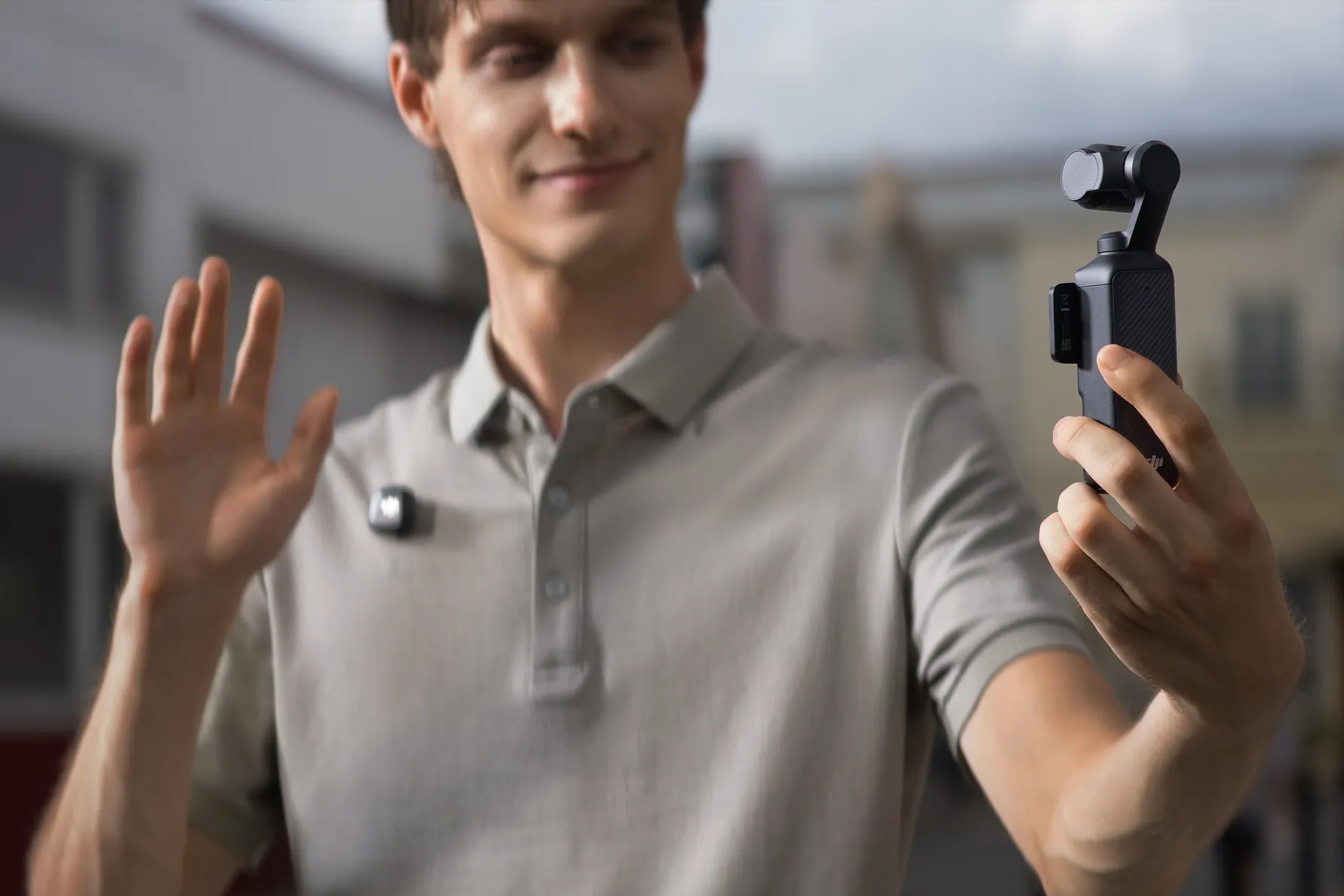
Schloss found face detection and subject tracking particularly useful when moving around a frame, describing the benefit of a camera that could follow his presentation. Juniper’s tests also found tracking responsive, including a moving child, while acknowledging limitations with obstacles. Miller reported that a small subject against a busy background could be easier to lose. PetaPixel’s hands-on account; Digital Camera World’s samples; Amateur Photographer’s tracking observations.
The supported conclusion is that tracking can be useful for ordinary presenter movement. The exceptions help define its limits: a clearly visible person and a small subject among distractions are different tracking problems. A general statement that tracking worked well should not erase the cases where the subject was lost or briefly obscured.
There is also a difference between following the correct person and showing everything the audience needs. In a product demonstration, a face can remain perfectly framed while the object being explained leaves the picture. Our interpretation is to choose the intended subject first: presenter, object or a deliberately fixed view. Automation is valuable when its framing decision serves that scene.
For a buyer considering solo instruction videos, this makes tracking a reason to shortlist the camera, rather than permission to stop monitoring the result. For a static desk demonstration, its value may be smaller than a well-chosen camera position. The same positive finding leads to different choices because the tasks differ.
Stabilization and tracking answer different questions
Wolinski reported that Follow mode reduced, but did not entirely remove, walking bounce. He also encountered occasional drift that required recentering. Those observations are more helpful than assuming a mechanical gimbal removes every visible effect of movement. Tom’s Guide’s stabilization tests.
Tracking concerns where the camera points; stabilization concerns the movement visible in the recording. A shot can succeed at one and fall short at the other. If the subject stays visible but the walking motion distracts, the problem is different from a camera that loses its subject. Keeping the two separate prevents a vague “the tracking looks shaky” complaint from hiding the actual limitation.
Cameralabs’ original review page links the video below and explains that Gordon Laing bought the camera before handing it to Ben Harvey for the review. Use the original footage as a visual companion to these written findings. It provides another source to inspect, rather than a NewDrops demonstration or a newly conducted comparison.
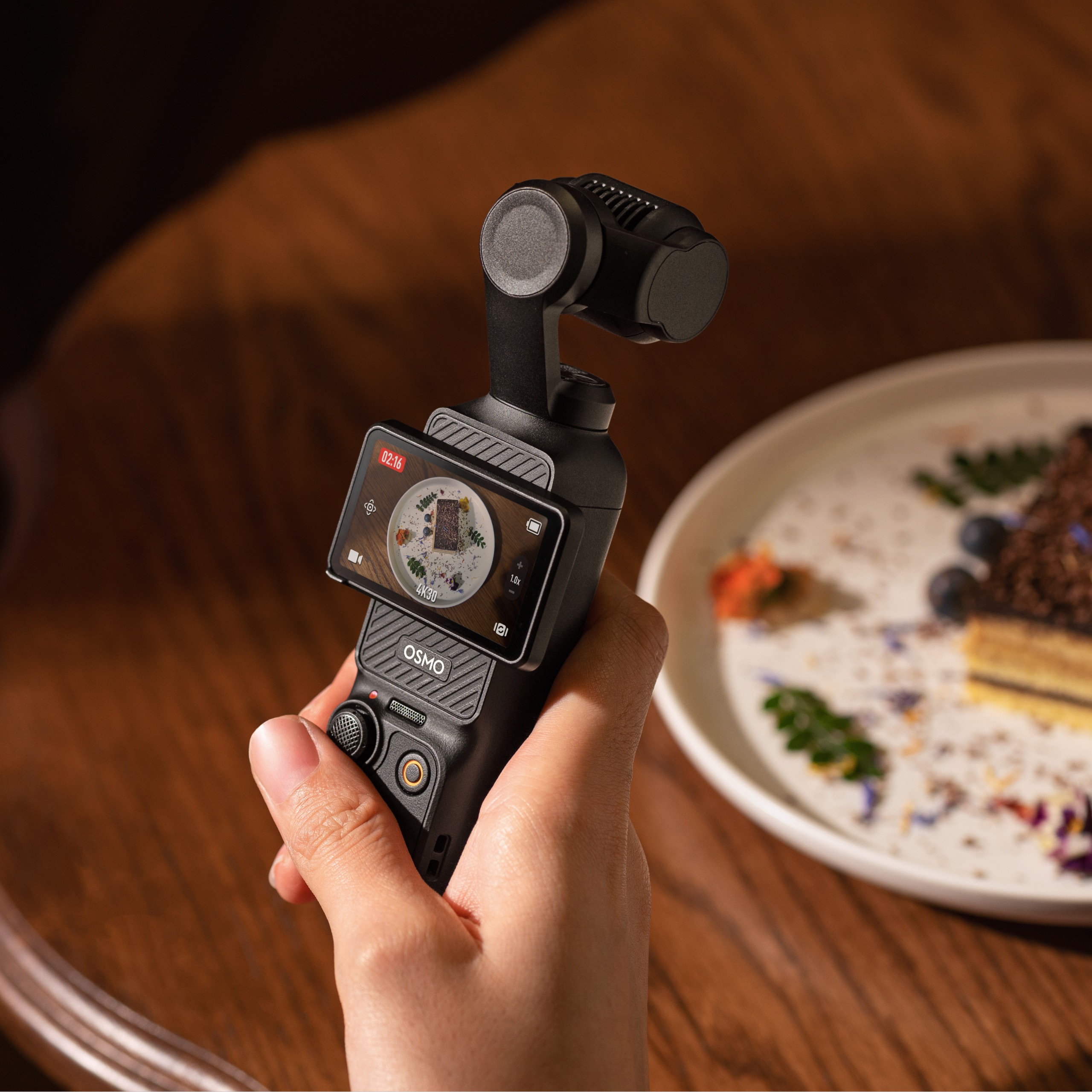
Hatton liked using the larger screen to view the shot but found menu navigation cramped. By contrast, Miller found changing settings relatively easy. Juniper considered the screen an improvement while finding its interaction with power-off and vertical shooting initially confusing. Hatton on the interface; Miller on handling; Juniper on screen rotation.
These findings can coexist. Seeing the frame clearly, selecting a setting and understanding what happens when the screen rotates are different parts of operating the camera. A larger display can improve one without making every interaction equally comfortable. An experienced DJI user and a first-time owner may also bring different expectations, although these reports do not quantify that difference.
For someone filming occasional family clips, learning a small number of controls may be acceptable. For a presenter repeatedly switching formats under time pressure, the cost of a confusing interaction is greater. The useful purchasing question is whether the exact sequence you repeat is manageable, not whether a reviewer described the entire interface as good or bad.
This is one area where the written disagreement is itself a useful result. It gives a reason to inspect the controls before committing, without inventing an average usability score or dismissing one tester’s experience because another preferred it.
Battery endurance is not the same as uninterrupted recording time
Tom’s Guide reports 113 minutes of 4K/60p recording from the internal battery. In a separate passage, the same review reports a thermal stop after 70 minutes while stationary at room temperature at that resolution and frame rate. It does not provide enough shared protocol detail to treat the two figures as one guaranteed uninterrupted session. Wolinski’s battery and heat results.
Schloss, meanwhile, felt the battery could run down quickly during use and valued the additional battery accessory. His account does not supply a directly comparable runtime measurement. That is an experience-based observation from a different workflow, not a numerical contradiction to resolve by selecting whichever figure sounds preferable. PetaPixel on endurance.
DJI’s 166-minute specification uses 1080p/24fps at 25°C, with the screen and Wi-Fi off. It should not be substituted for a 4K session with different operating conditions. DJI’s battery test conditions.
For short clips with breaks, a battery observation helps plan the session. For a continuous lecture, interview or ceremony, the first recording interruption is the more important outcome, regardless of whether energy remains in the battery. Adding a battery accessory addresses an energy requirement; it does not, by itself, establish a thermal result.
The sensible conclusion is conditional. Pocket 3’s positive reviews support investigating it for portable creator work. They do not establish that an unattended, unbroken recording of any desired duration will succeed. If uninterrupted coverage is essential, require a representative test of that duration and arrangement, plus a separate backup plan. This is a material purchase condition rather than a routine caution to append after a recommendation.
Photographs are a weaker reason to choose it
Schloss considered still photography a weakness, and Miller likewise found image quality and resolution less persuasive than the video features. Their assessments are relevant to anyone hoping one small camera will cover both a video project and a photograph-led trip. Schloss’s still-image assessment; Miller’s image-quality discussion.
Use DJI’s specifications when a review gives inconsistent dimensions: the listed maximums are 3840×2160 for 16:9 and 3072×3072 for square photographs. A number quoted beside the wrong aspect ratio can create a misleading megapixel comparison. The specification establishes output dimensions; the reviewers’ samples address how the pictures look. Official still-image sizes.
Our assessment is to choose Pocket 3 for a video-led need and treat its photo capability as secondary. If photographs are the main reason to replace your existing device, compare actual still-image samples and the required framing before accepting the inconvenience of carrying another camera. Positive video reviews do not automatically transfer to a different purpose.
Audio recommendations depend on the microphone being discussed
Several accounts tested Creator Combo accessories. A favorable conclusion about that experience should not be read as a verdict on every Pocket 3 package or every DJI microphone. The camera, the microphone and the ability to retain a separate audio file are distinct parts of the workflow.
Later firmware matters here. DJI’s dated release notes document direct Mic Mini support added on 26 November 2024, after the 2023 reviews. The current Mic Mini FAQ confirms direct Pocket 3 compatibility and states that the transmitter has no internal recording storage. DJI firmware history; Mic Mini compatibility and storage.
For a solo creator choosing a simple current connection, that compatibility is useful. For an interview that cannot be repeated, the absence of an independent transmitter recording changes the backup decision. Do not infer that a microphone reviewed as part of one bundle has the same storage behavior as a different model bought later.
We have kept the detailed connection path and packing choices in the small video-kit guide. This digest answers what the review evidence says about suitability; the guide answers what parts are needed to assemble the recording setup.
Where a different camera makes more sense
Water exposure is a straightforward boundary. DJI says Pocket 3 is not waterproof. Its Osmo Action 6 specifications describe a 20-metre rating without a case, subject to closed covers and a tightened lens cover, with additional guidance for prolonged underwater use. Those documented conditions make Action 6 a relevant alternative to investigate for wet activities; they are not a side-by-side image-quality verdict. Pocket 3 FAQ; Action 6 waterproofing conditions.
For a person recording a walk around town, that distinction may not drive the decision. For someone buying chiefly for water-based activities, it can eliminate an unsuitable format before discussing low-light footage or tracking. Start with the environment the camera must survive and the mounting arrangement it needs, then evaluate the pictures.
An existing phone is another legitimate alternative when the video is static, the result is already acceptable and the main difficulty is finishing the edit. None of the reviews here establishes that buying Pocket 3 improves every owner’s final video. The supported benefit is the fit between its dedicated camera format and a specific workflow.
What this evidence means for your shortlist
Pocket 3 is a credible candidate for solo presenters, travel-video makers and people who want a compact, dedicated filming tool. The review accounts support its video-led proposition and explain why tracking and the screen can help. The disagreements identify the decisions to resolve: menu comfort, the subject being tracked and whether the recording is continuous or made in short takes.
It is a less convincing starting point for a photograph-first purchase, wet activities or a critical long recording whose interruption limits have not been established. Those are different requirements, not defects that disappear because a review gives the camera an enthusiastic overall verdict.
Use the original reviews for their samples and context, current manufacturer documents for present functionality, and your intended task to decide which evidence deserves most weight. The reviews retain value as reports of Pocket 3 in use. Their historical prices, app experiences and accessory assumptions should not be treated as a current checkout offer or a fresh test of every software revision.
Topics: Cameras, Gadget · Creator Technology, Wireless Audio, Video